What Is Markdown?
Markdown is a lightweight markup language created by John Gruber and Aaron Swartz that aims for maximum readability and ease of publishing, both in its input and output forms, drawing inspiration from many existing conventions used to mark up plain-text email messages. John Gruber created the markdown language in 2004, with important help from Aaron Swartz on the syntax. Gruber’s goal was for people to “write using an easy-to-read, easy-to-write plain-text format and have the ability to convert it to valid HTML.”
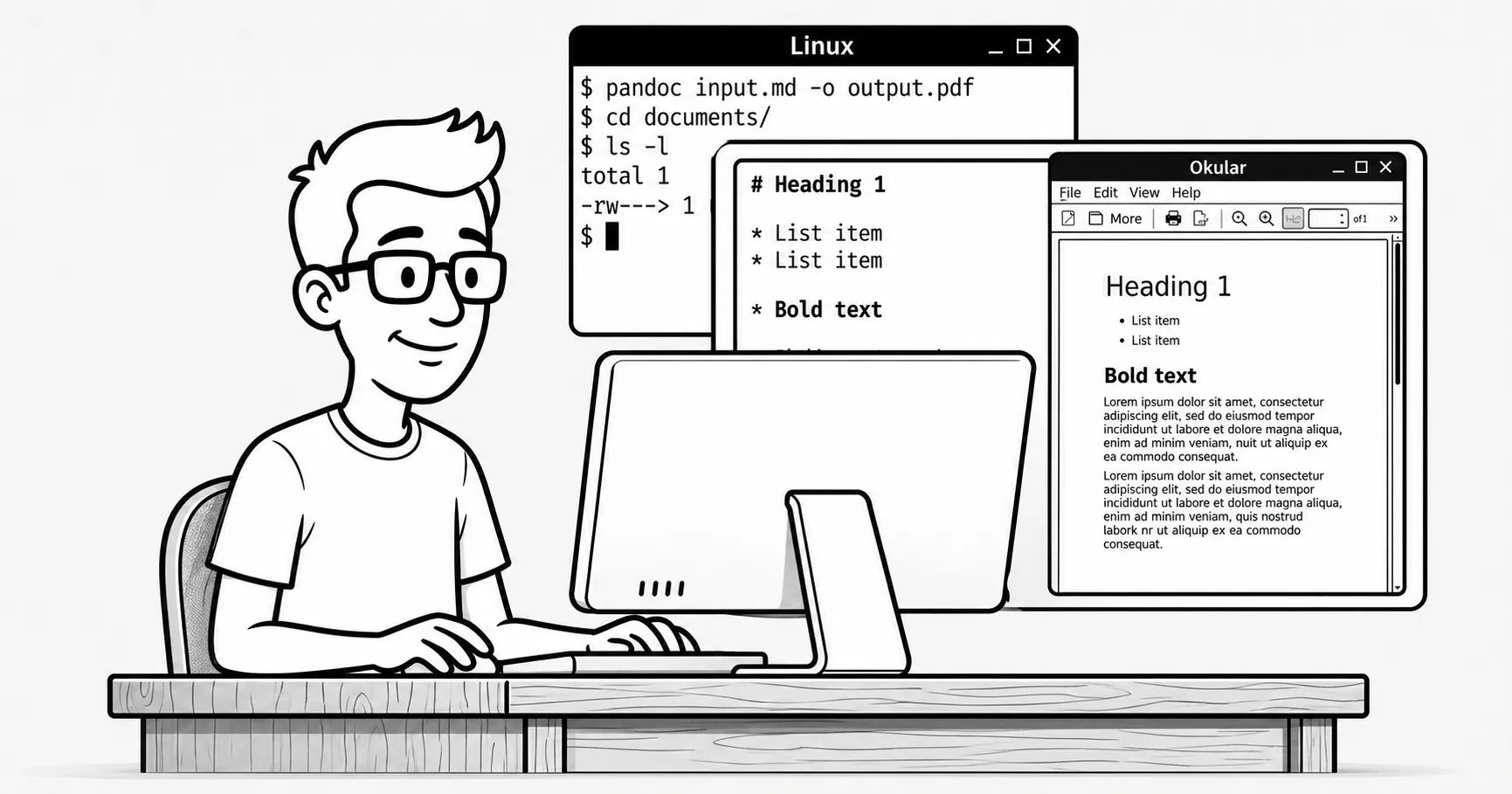
Markdown files can be converted into a visual representation in HTML, but also into PDF, for example.
Table of contents
Table of contents
How to View Markdown Files on Linux
Let’s say we have the following markdown document in a file called test.md:
# Document
*Hello world*
## Shopping list
> I need to buy the following:
- Soap for the dog.- Food for the cat.
Since it is a text file, you can view it with any editor. But if you want to see its graphical representation or its final publishable version, there are several ways to do it on Linux:
pandoc
From the command line, we can use pandoc to convert the file to PDF and then use any viewer to open the resulting PDF file:
pandoc test.md -o test.pdfokular test.pdfOkular
If we do not want to convert the markdown document to PDF, we can use Okular directly with the appropriate plugin. On Debian and derivatives:
sudo apt install okular okular-extra-backendsokular test.mdokular is usually installed with KDE, but you need to install the okular-extra-backends package separately.
Visual Studio Code
Just open the markdown file in the editor and click the button:  usually located in the upper-right corner.