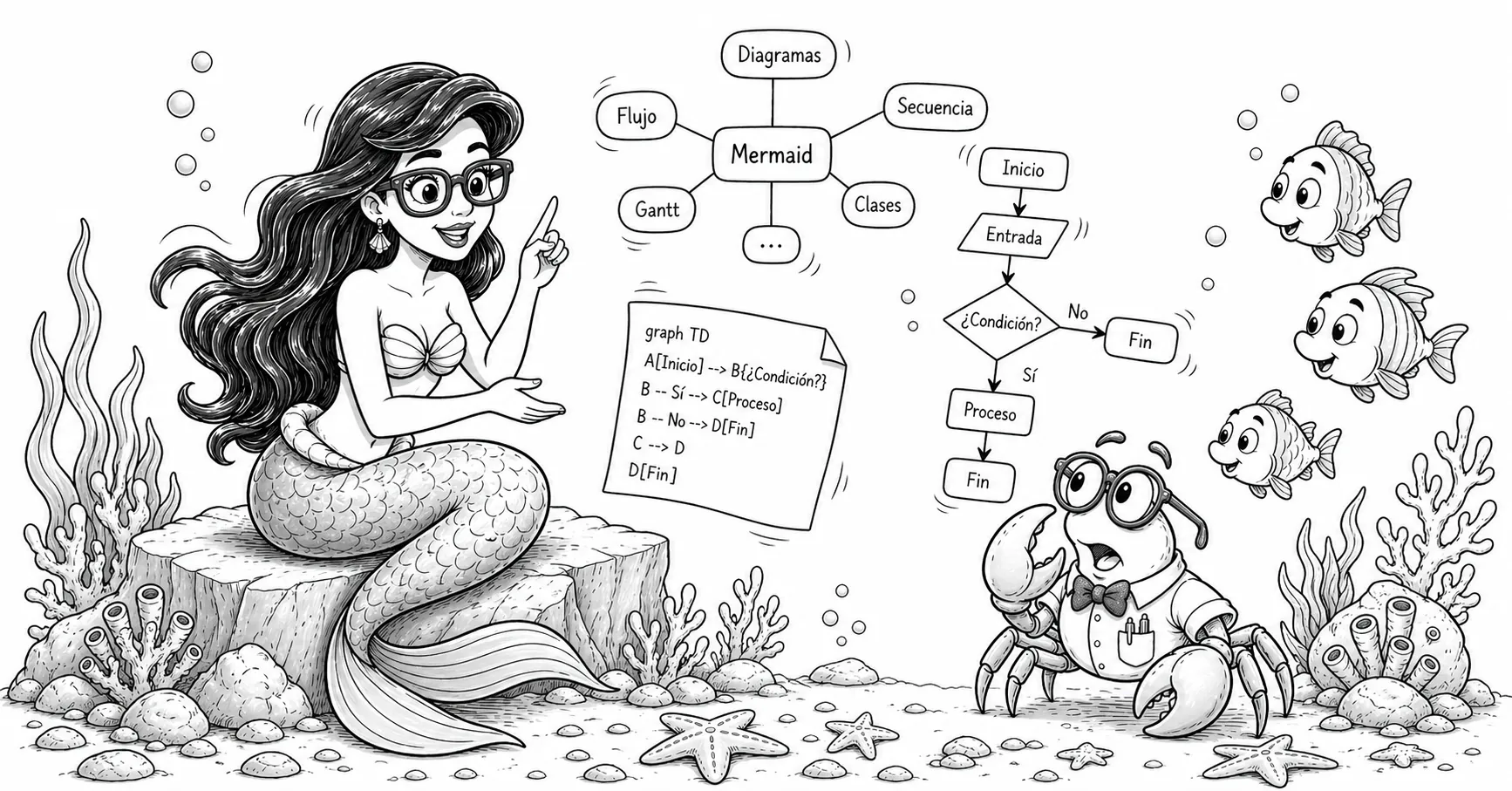
Introduction
Mermaid is a markup language that allows you to create diagrams declaratively, using a JavaScript library to generate the graphics.
Mermaid was created by Knut Sveidqvist, who was inspired by his children while watching The Little Mermaid. Initially developed as a tool to generate diagrams from text using a Markdown-like syntax, it has evolved into a full ecosystem widely used in the community: the project now has a massive user base, with over 87,500 stars on GitHub.
Mermaid integrates natively in systems such as GitHub, GitLab, Visual Studio Code, and Notion, among many others. Similarly, there are integrations for virtually all frontend libraries and frameworks.
By using a simple language like Mermaid, you can declaratively define diagrams without having to learn a visual drawing tool, which is inherently slower. It is also much easier to maintain code than a set of Gimp or El Pato source files.
I discovered it (somewhat late) while putting together the study guide for NLP.
Below are some integration examples and diagrams made with Mermaid, followed by a guide to install and customize it in Astro.
Table of contents
Table of contents
Popular Mermaid Integrations
Depending on the stack, you can use the official mermaid library or
community wrappers:
- Svelte / SvelteKit:
@friendofsvelte/mermaid - React:
mermaid(official, client-side render),mdx-mermaid - Vue.js:
vue-mermaid-string,vue-mermaid-render - Next.js:
mermaid+dynamic import,mdx-mermaid - Angular:
mermaid(official) or integration withngx-markdown+ Mermaid - Flutter / Dart:
mermaid(Dart JS interop),flutter_smooth_markdown(includesMermaidDiagram) - Nuxt:
@d0rich/nuxt-content-mermaid - Docusaurus:
@docusaurus/theme-mermaid - VitePress:
vitepress-plugin-mermaid - Astro:
astro-mermaidor client-side rendering withmermaid
Examples
Graph TD
Source code:
```mermaidgraph TD A[Write mermaid block in MDX] --> B[Astro processes it] B --> C[Inline SVG is generated] C --> D[Diagram renders in the post]```Rendered diagram:
graph TD
    A[Write mermaid block in MDX] --> B[Astro processes it]
    B --> C[Inline SVG is generated]
    C --> D[Diagram renders in the post]
Flowchart LR
Source code:
```mermaidflowchart LR Start([Start]) --> Step1[Define objective] Step1 --> Step2[Write Mermaid block] Step2 --> Step3[Render in Astro] Step3 --> End([End])```Rendered diagram:
flowchart LR
    Start([Start]) --> Step1[Define objective]
    Step1 --> Step2[Write Mermaid block]
    Step2 --> Step3[Render in Astro]
    Step3 --> End([End])
Sequence Diagram
Source code:
```mermaidsequenceDiagram participant U as User participant M as MDX participant A as Astro participant R as Render U->>M: Write mermaid block M->>A: Compile content A->>R: Generate inline SVG R-->>U: Show diagram```Rendered diagram:
sequenceDiagram
    participant U as User
    participant M as MDX
    participant A as Astro
    participant R as Render
    U->>M: Write mermaid block
    M->>A: Compile content
    A->>R: Generate inline SVG
    R-->>U: Show diagram
Mindmap
Source code:
```mermaidmindmap root((Fundamentals)) Language (langue) Speech (parole) Linguistic competence Linguistic performance Linguistic sign Synchrony and diachrony```Rendered diagram:
mindmap
  root((Fundamentals))
    Language (langue)
    Speech (parole)
    Linguistic competence
    Linguistic performance
    Linguistic sign
    Synchrony and diachrony
Class Diagram
Source code:
```mermaidclassDiagram class Animal { +String name +eat() } class Dog { +bark() } Animal <|-- Dog```Rendered diagram:
classDiagram
    class Animal {
      +String name
      +eat()
    }
    class Dog {
      +bark()
    }
    Animal <|-- Dog
State Diagram
Source code:
```mermaidstateDiagram-v2 [*] --> Idle Idle --> Active: start() Active --> Paused: pause() Paused --> Active: resume() Active --> [*]: stop()```Rendered diagram:
stateDiagram-v2
    [*] --> Idle
    Idle --> Active: start()
    Active --> Paused: pause()
    Paused --> Active: resume()
    Active --> [*]: stop()
Entity Relationship (ER)
Source code:
```mermaiderDiagram USER ||--o{ ORDER : places ORDER ||--|{ ORDER_LINE : contains PRODUCT ||--o{ ORDER_LINE : appears_in```Rendered diagram:
erDiagram
    USER ||--o{ ORDER : places
    ORDER ||--|{ ORDER_LINE : contains
    PRODUCT ||--o{ ORDER_LINE : appears_in
Gantt
Source code:
```mermaidgantt title Publication plan dateFormat YYYY-MM-DD section Content Writing :a1, 2026-04-22, 2d Review :a2, after a1, 1d section Publishing Layout :a3, after a2, 1d Publish :milestone, m1, after a3, 0d```Rendered diagram:
gantt
    title Publication plan
    dateFormat  YYYY-MM-DD
    section Content
    Writing             :a1, 2026-04-22, 2d
    Review              :a2, after a1, 1d
    section Publishing
    Layout              :a3, after a2, 1d
    Publish             :milestone, m1, after a3, 0d
Pie Chart
Source code:
```mermaidpie title Task distribution "Documentation" : 35 "Development" : 45 "Testing" : 20```Rendered diagram:
pie title Task distribution
    "Documentation" : 35
    "Development" : 45
    "Testing" : 20
Git Graph
Source code:
```mermaidgitGraph commit id: "init" branch feature checkout feature commit id: "new-diagram" checkout main merge feature commit id: "release"```Rendered diagram:
gitGraph
    commit id: "init"
    branch feature
    checkout feature
    commit id: "new-diagram"
    checkout main
    merge feature
    commit id: "release"
See more examples here.
Installation Procedure in Astro
1. Install mermaid
bun add mermaid2. Remark plugin in astro.config.ts
The problem with build-time rendering solutions (such as astro-mermaid
or rehype-mermaid) is that they conflict with astro-expressive-code,
the library responsible for syntax highlighting, breaking code highlighting
in all ```javascript, ```bash etc. blocks.
The solution is to render Mermaid on the client side, but we need to prevent
expressiveCode from processing ```mermaid blocks. A remark plugin
converts those blocks to raw HTML <pre class="mermaid"> before
expressiveCode sees them:
import { visit } from 'unist-util-visit';
function remarkMermaidBypass() {  return (tree: any) => {    visit(tree, 'code', (node: any, index: number | undefined, parent: any) => {      if (node.lang === 'mermaid' && parent && typeof index === 'number') {        parent.children[index] = {          type: 'html',          value: `<pre class="mermaid">\n${node.value}\n</pre>`,        };      }    });  };}
Add it to the markdown.remarkPlugins array (order matters: it must come first):
markdown: { remarkPlugins: [ remarkMermaidBypass, // first remarkToc, remarkMath, remarkCollapse, ], // ...},It is also important that the MDX integration inherits the markdown configuration rather than defining its own plugins:
mdx({ extendMarkdownConfig: true, // inherits remarkPlugins and rehypePlugins}),If you pass rehypePlugins or remarkPlugins directly to mdx(), they
replace (not merge with) those in markdown.*, which causes
rehypeExpressiveCode to silently disappear from the MDX pipeline.
3. Rendering script in the post layout
In the layout that renders posts
(in Astro Paper: PostDetails.astro),
add a <script> that imports mermaid and renders it on the client side.
The script uses the astro:page-load event for View Transitions compatibility,
and a MutationObserver to re-render when the user switches themes (light/dark):
import mermaid from "mermaid";
let themeObserver: MutationObserver | null = null;
function getTheme() {  return document.documentElement.dataset.theme === "dark" ? "dark" : "forest";}
async function renderMermaid() {  // Restore already-rendered diagrams to pre.mermaid for re-rendering  // (needed on theme change)  document.querySelectorAll<HTMLElement>("[data-mermaid]").forEach(el => {    const pre = document.createElement("pre");    pre.className = "mermaid";    pre.textContent = el.dataset.mermaid!;    el.replaceWith(pre);  });
  const blocks = Array.from(document.querySelectorAll<HTMLPreElement>("pre.mermaid"));  if (!blocks.length) return;
  mermaid.initialize({ startOnLoad: false, theme: getTheme() });
  await Promise.all(blocks.map(async pre => {    const source = (pre.textContent ?? "").trim();    const id = `mermaid-${Math.random().toString(36).slice(2, 9)}`;    try {      const { svg } = await mermaid.render(id, source);      const wrapper = document.createElement("div");      wrapper.className = "my-6 flex justify-center overflow-x-auto";      wrapper.dataset.mermaid = source;  // store source for re-render on theme change      wrapper.innerHTML = svg;      pre.replaceWith(wrapper);    } catch (err) {      console.error("[mermaid]", err);    }  }));}
document.addEventListener("astro:page-load", () => { renderMermaid(); themeObserver?.disconnect(); themeObserver = new MutationObserver(renderMermaid); themeObserver.observe(document.documentElement, { attributes: true, attributeFilter: ["data-theme"], });});// wrongconst codeBlocks = Array.from(document.querySelectorAll("pre"));
// correctconst codeBlocks = Array.from(document.querySelectorAll("pre:not(.mermaid)"));4. Theme detection
The site uses the data-theme attribute on <html> to indicate the active
theme ("light" or "dark"). The getTheme() function reads that attribute
and returns the corresponding Mermaid theme name. This blog uses "forest"
for light and "dark" for dark.
Color customization with CSS
Mermaid renders SVG inline, and its internal styles use high-specificity
selectors (#id .class). To override them with the site’s theme colors,
!important is needed in global CSS.
There are some quirks in Mermaid v11 compared to earlier versions:
- Flowcharts (
graph TD,flowchart LR) use.node rect/circle/etc.for nodes and.arrowheadPathfor arrowheads (in v10 it was.arrowMarkerPath). - Sequence diagrams use
.actordirectly on therect(in v10 it was.actor rect),.messageLine0/.messageLine1for message lines, and[id$="-arrowhead"] pathfor arrowheads. - Mindmaps use
spaninsideforeignObjectfor section text. Color is controlled with the CSScolor:property on thespan, not withfill:on SVG elements. themeVariablesin the Mermaid initialization does not affect section colors in mindmaps: those are calculated algorithmically based on the selected base theme.
The complete CSS used in this blog, in global.css:
/* Mermaid: mindmap — non-root sections use the theme's foreground color */svg.mindmapDiagram [class*="section-"]:not(.section-root) span {  color: var(--foreground) !important;}
/* Mermaid: flowchart — nodes (graph TD, flowchart LR, etc.) */[id^="mermaid-"] .node rect,[id^="mermaid-"] .node circle,[id^="mermaid-"] .node ellipse,[id^="mermaid-"] .node polygon,[id^="mermaid-"] .node path {  fill: var(--muted) !important;  stroke: var(--border) !important;}
/* Mermaid: flowchart — edges */[id^="mermaid-"] .edgePath .path,[id^="mermaid-"] .flowchart-link {  stroke: var(--accent) !important;}
/* Mermaid: flowchart — arrowheads (v11: .arrowheadPath) */[id^="mermaid-"] .arrowheadPath {  fill: var(--accent) !important;  stroke: var(--accent) !important;}
/* Mermaid: sequence — actors (v11: .actor directly on rect) */[id^="mermaid-"] .actor {  fill: var(--muted) !important;  stroke: var(--border) !important;}
/* Mermaid: sequence — message lines */[id^="mermaid-"] .messageLine0,[id^="mermaid-"] .messageLine1 {  stroke: var(--accent) !important;}
/* Mermaid: sequence — arrowheads */[id$="-arrowhead"] path {  fill: var(--accent) !important;  stroke: var(--accent) !important;}
/* Mermaid: sequence — vertical lifelines */[id^="mermaid-"] .actor-line {  stroke: var(--border) !important;}